Salome Meca 2024.1 on WSL2 ready to use distribution

Salome Meca 2024.1 on WSL - Ready to use distribution

We provide the latest Salome Meca (2024.1), packaged and tweaked for use in WSL2, natively, ie without singularity. The beta testing phase showed very reliable results out of the box, comparable to the Linux (official) version.

Installation steps:

  1. Download the following WSL2 distribution file (smeca-2024.1-wsl2-verified.tar.gz)
  1. Create a folder in C:\smeca, then import the WSL machine in this location

wsl --import smeca-2024 C:\smeca C:\path\to\downloaded\file\smeca-2024.1-wsl2-verified.tar.gz

Once done, a virtual disk should be created in C:\smeca.

  1. Run the WSL distribution using the command.

wsl -d smeca-2024

You should see a welcome message, WSL should log in automatically as the default user smeca-user, the password is codeaster.

  1. To run salome_meca, just type

salome_meca

  1. Other tools that are available (and checked during beta testing) from the command line (aliases are already created) :

run_aster

as_run

astk

  1. If you get a “clicking” issue with the salome main window, press F11 to go to fullscreen and then F11 again to exit full screen. This seems to fix the issue.

Let us know if this works for you.

HB

![

](https://)

Hello hberro,

no welcome smessage, no login

Roger

@rmoortgat ok it seems properly logged in as smeca-user.

Does salome_meca work ?

It works out-of-the-box! Amazing - thank you very much.

I’ve been running SM2022 in WSL since the time you made the youtube tutorial. It was a bit clanky, but this SM2024 seems to be running much smoother. I haven’t tested it thoroughly, but everything seems to work fine.

Thank you!

@hberro

Hello again.

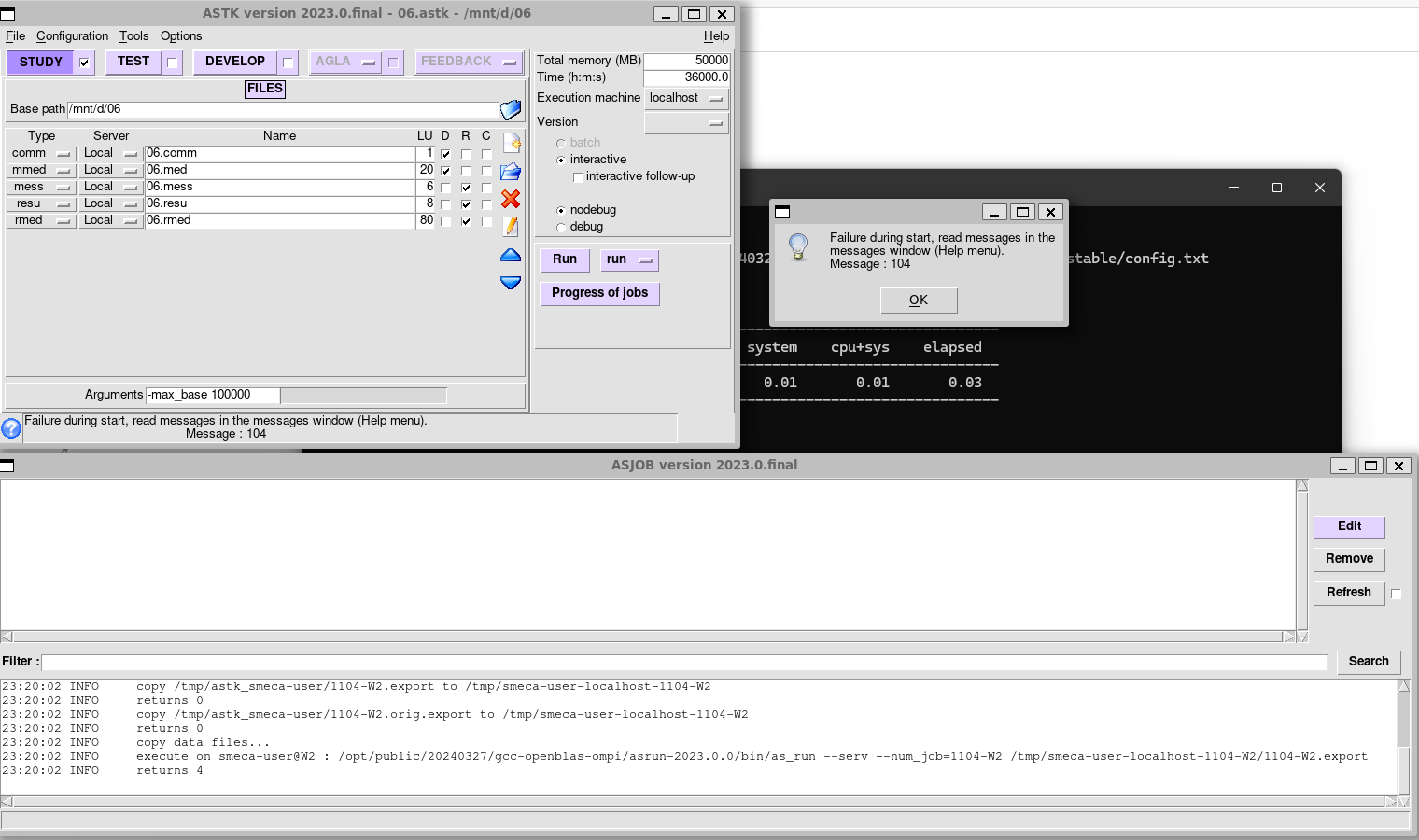
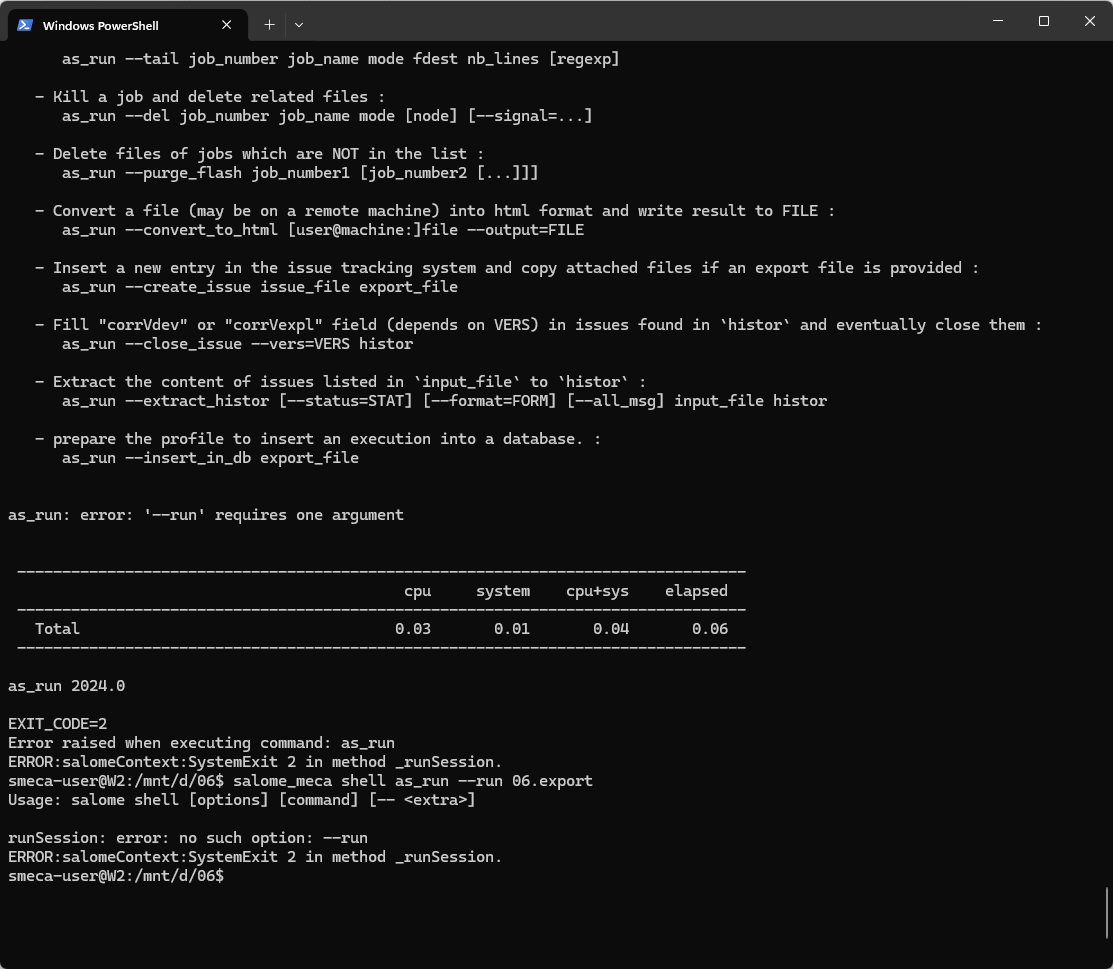
I need to report that running export file by as_run runs into error:

@k_zurawski

Thanks for reporting

Does run_aster do the job ? It has the same syntax.

Also please try

salome_meca shell as_run

The same goes to running a study from ASTK. ASTK starts, I can import study, but I can’t run it.

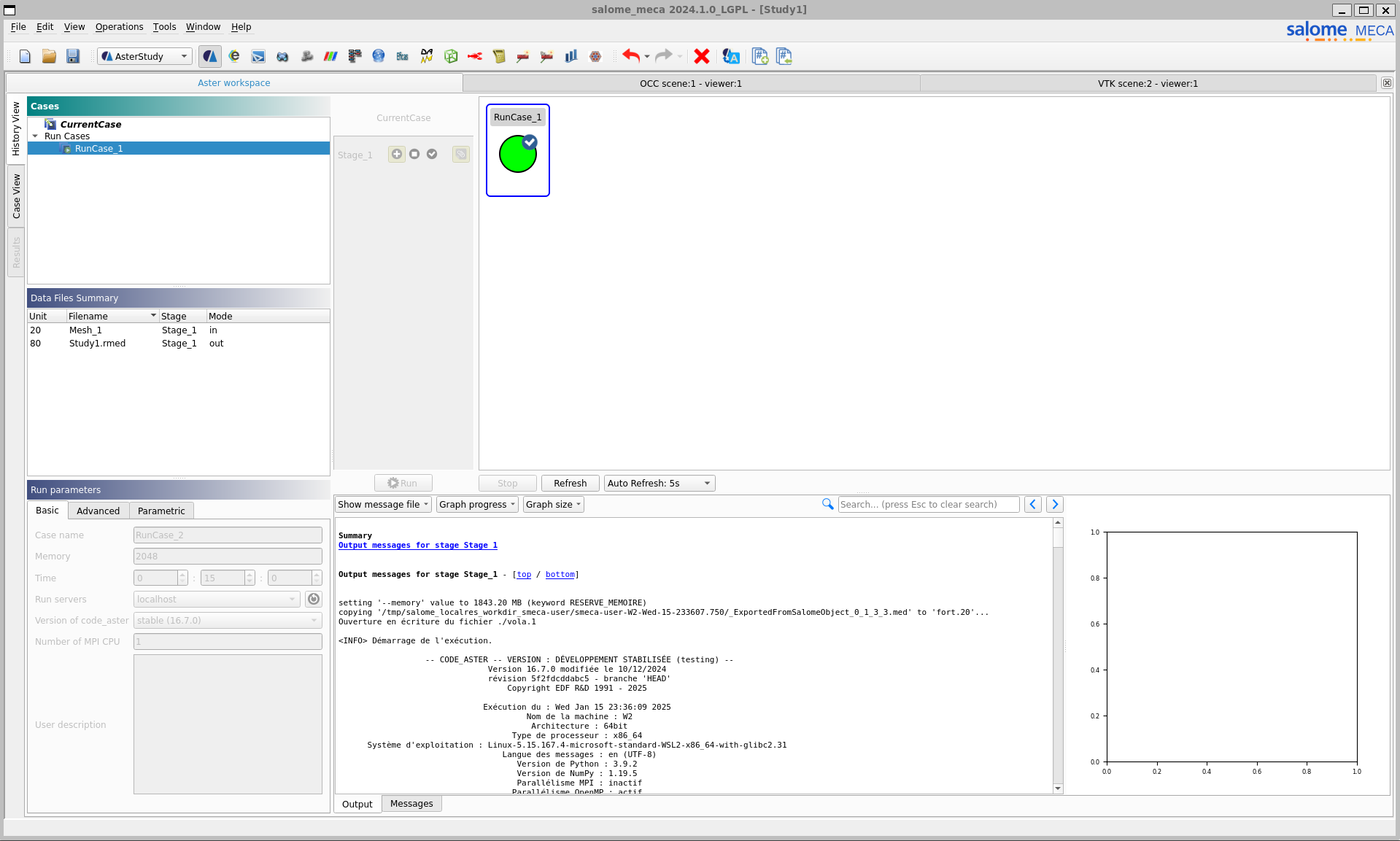
I run a study created from scratch and it works. Study has been saved to user’s home folder.

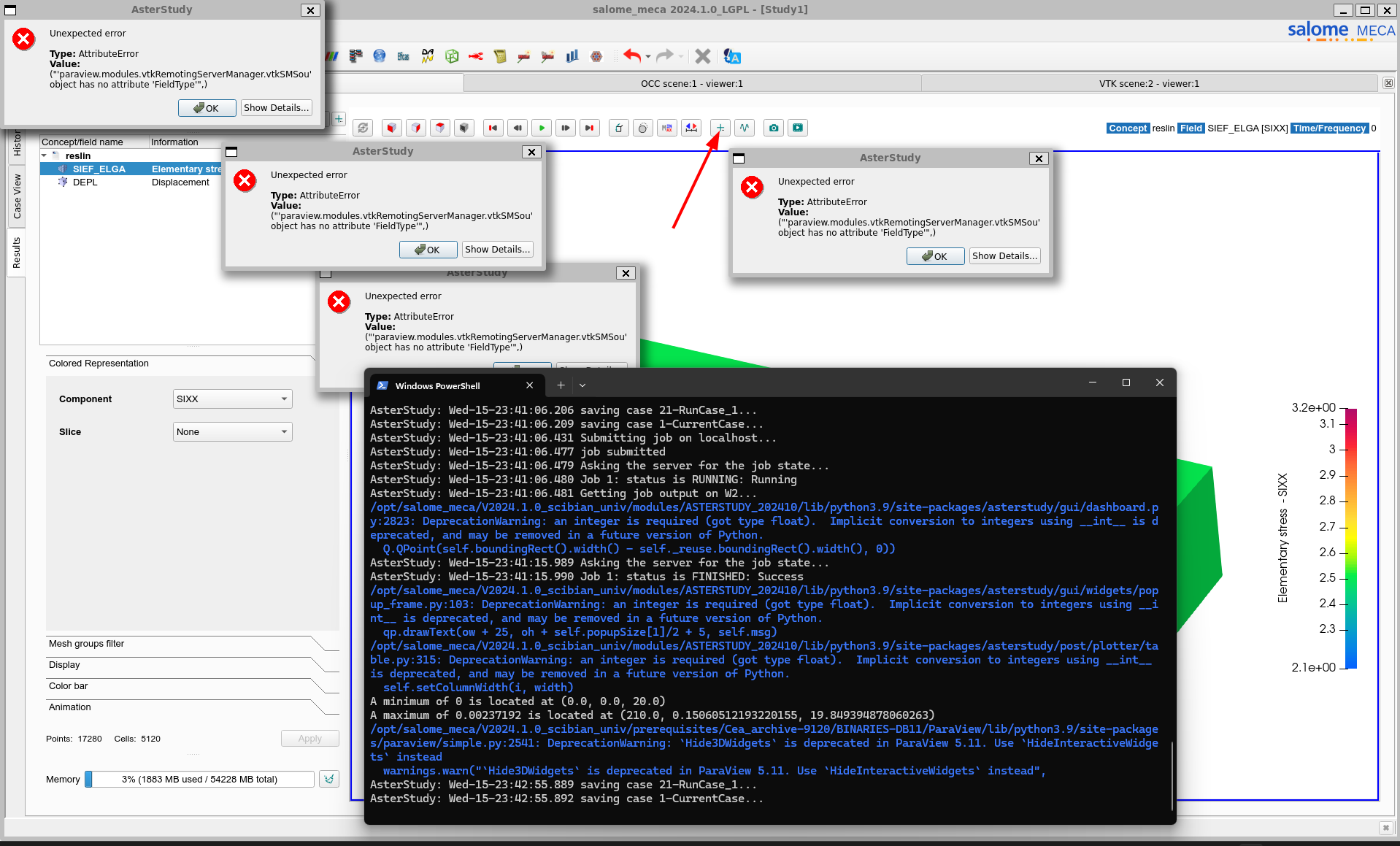
post processing worked until i pressed that icon:

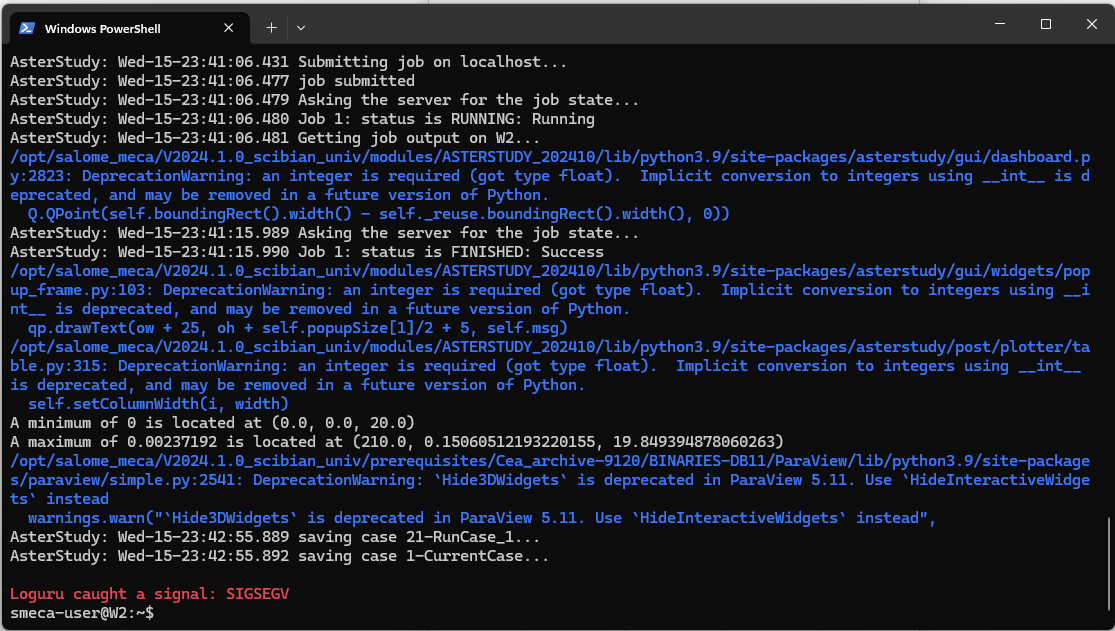
oppening the same rmed in paravis gives SIGSEGV error and crash. The blue lines are from the icon I pressed before:

is run_aster invoking python? I have never used this command.

@hberro

you need to explain how to run it (salome_meca shell as_run). When I run it in powershell not in WSL I’m getting error that salome_meca is not recognized as the name of a cmdlet

When I run it in WSL I;m getting list of possible functions. I also tried: salome_meca shell as_run --run 06.export

@hberro

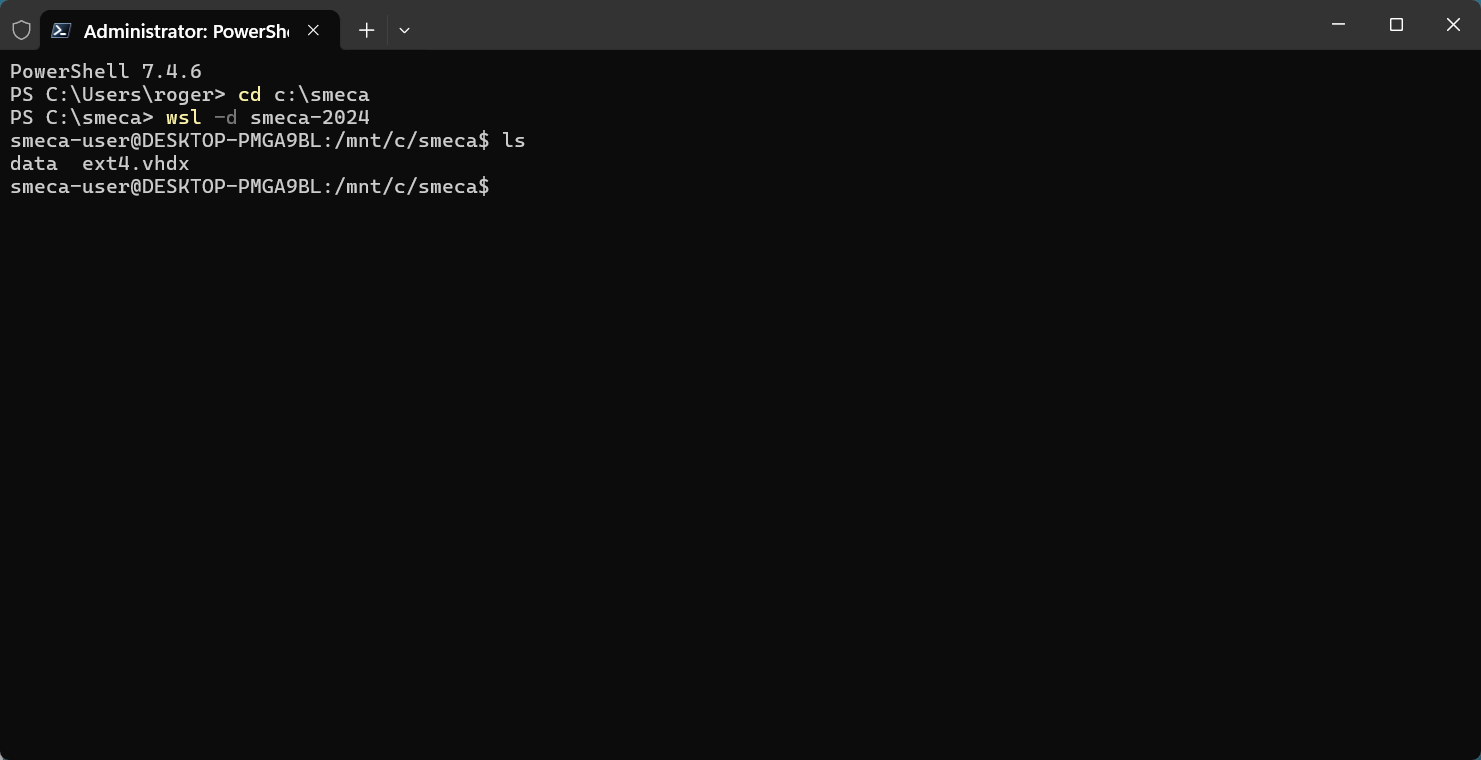
salome_meca not opening.

astk gives following error:

smeca-user@DESKTOP-PMGA9BL:/mnt/c/smeca$ astk

smeca-user@DESKTOP-PMGA9BL:/mnt/c/smeca$ application-specific initialization failed: no display name and no $DISPLAY environment variable

Error in startup script: invalid command name “wm”

while executing

“wm withdraw .”

(file "/opt/public/20240327/gcc-openblas-ompi/asrun-2023.0.0/lib/astk/astk.tcl" line 28)

@rmoortgat

Hello rmoortgat

This must be an issue with your version of WSL, please check that you are in version 2 and that you can open graphic apps (independantly of salome…)

@k_zurawski

Hi k_zurawski,

run_aster is the new way of launching code_aster using the full “pythonic” approach.

If you do run_aster <file.export> ; then this executes your case as you would have done with as_run.

If you do run_aster with no arguments, this opens a python interpretor where code_aster python library and all commands are available and you can then build your simulation interactively…

@k_zurawski

I have seen a reported bug with the “Probe” feature in the integrated post processing, I think it is corrected but in a more recent version of ASTERSTUDY. So for now, it’s better not to use it as to avoid crashes (this is not only relative to the windows version, the linux version will probably crash as well !).
@hberro

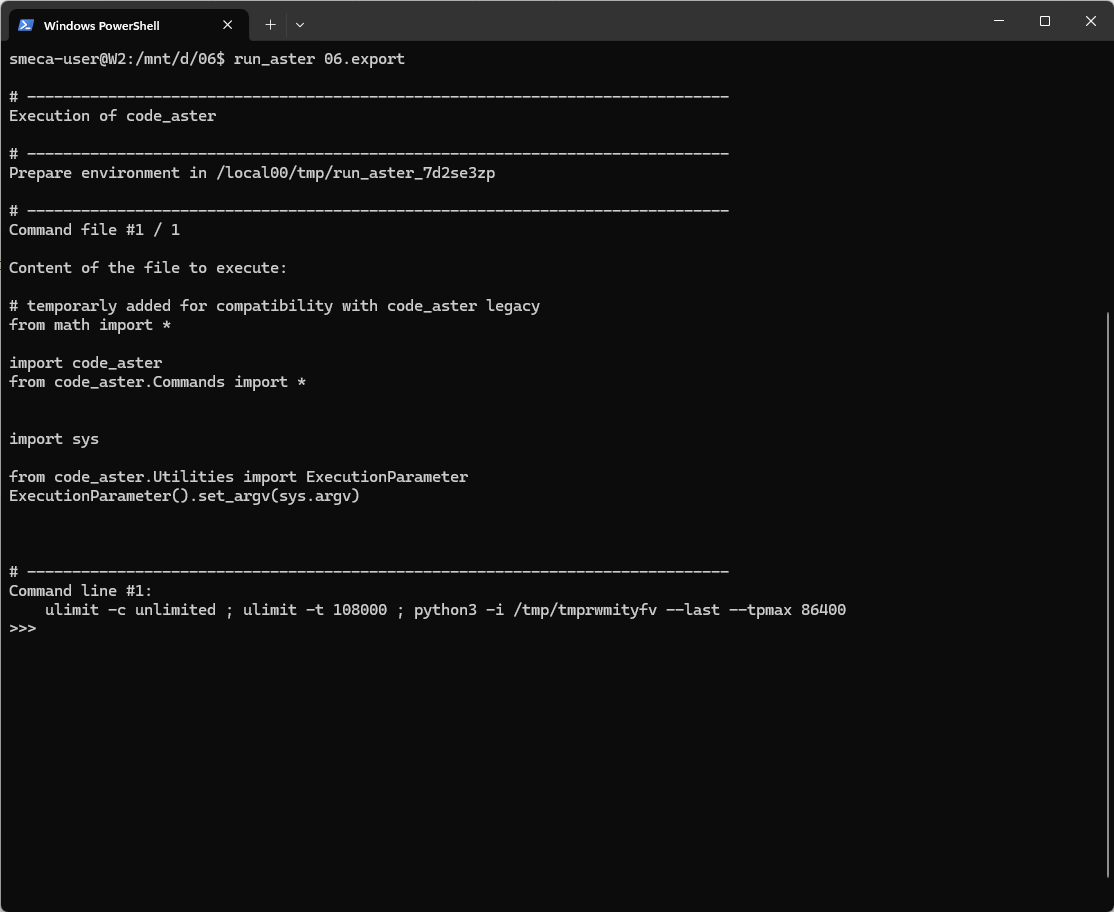
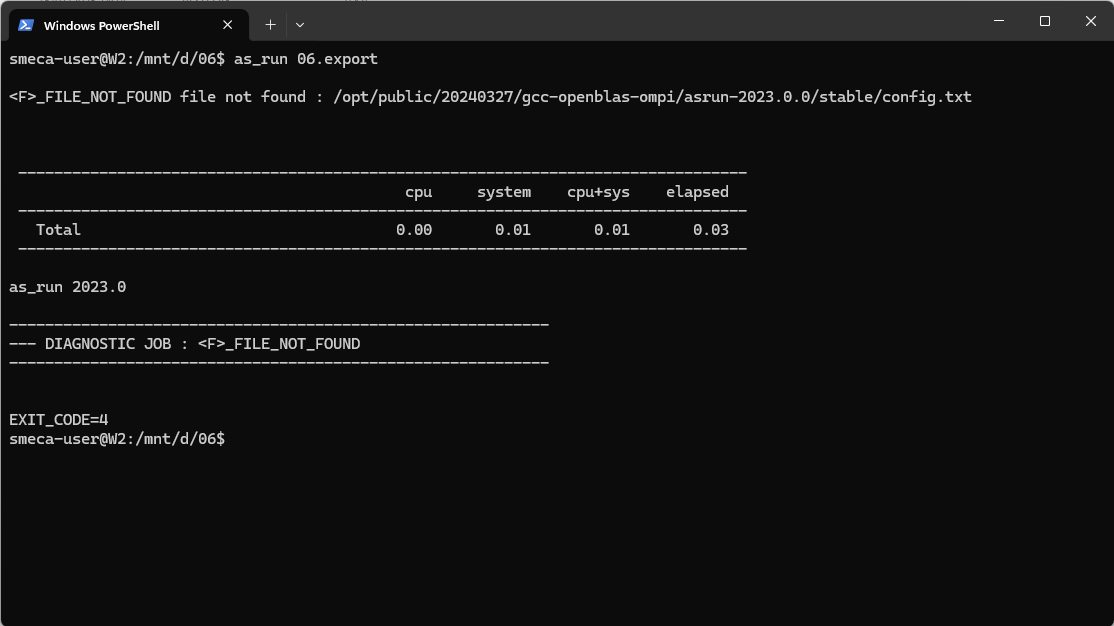
Thank you for the explanation. When I: run_aster 06.export I’m getting only this and I don’t know what to do next.

[upl-image-preview uuid=a9e4b778-fee7-4a69-ace2-23959b2ad581 url=

alt={TEXT?}]

Beta testing continuation:

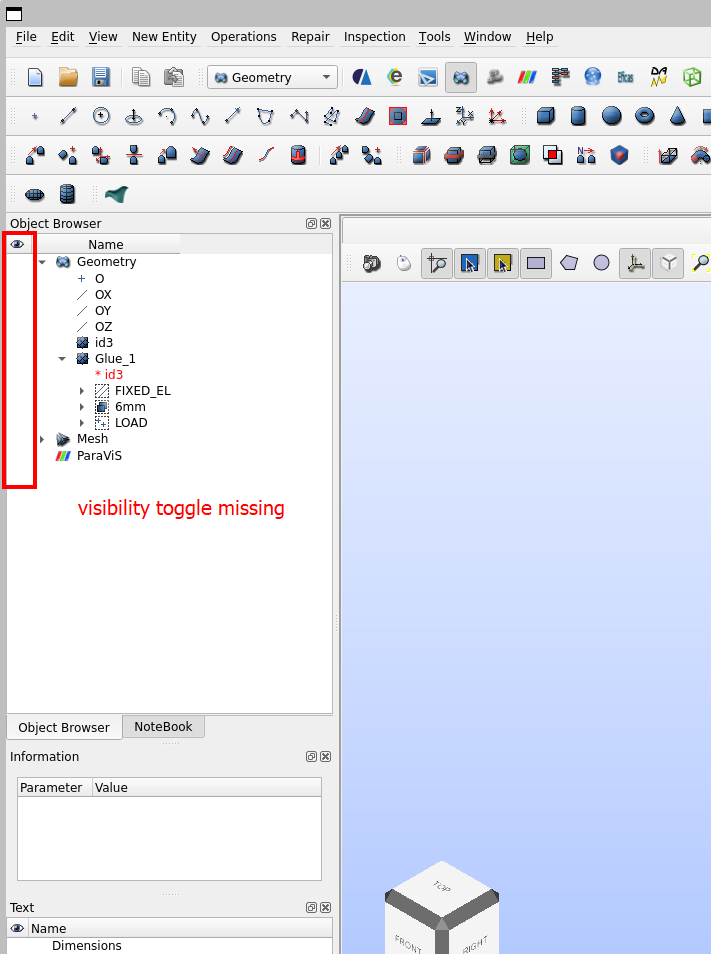
visibility toggle missing in Geometry module:

[upl-image-preview uuid=0db59f13-0f1f-4cbb-86ef-faeec52a58a8 url=

alt={TEXT?}]

@rmoortgat

create a /local00 folder as root and then chown it by the regular user (you need to have read/write rights).

create it in /, not in your home directory. Test if S_M 2024 runs. Then report please.

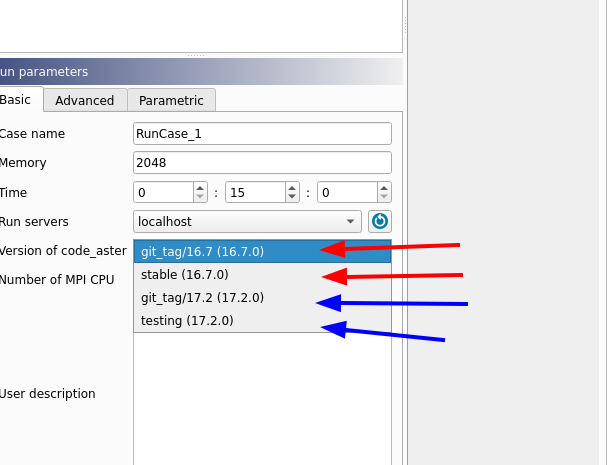
why are there two instances of solver version per version?

[upl-image-preview uuid=a293a678-ebcd-4739-aeae-1bf3df1adc0e url=

alt={TEXT?}]